The software is working perfect! The action-offer was great and worth-wile! There ware some payment problems. Normally in Holland we mostly pay with iDEAL/WERO, but this time this payment-method was r... See more
Company replied

While we don't verify specific claims because reviewers' opinions are their own, we may label reviews as "Verified" when we can confirm a business interaction took place. Read more
To protect platform integrity, every review on our platform—verified or not—is screened by our 24/7 automated software. This technology is designed to identify and remove content that breaches our guidelines, including reviews that are not based on a genuine experience. We recognise we may not catch everything, and you can flag anything you think we may have missed. Read more
Created with AI, based on recent reviews
The software is working perfect! The action-offer was great and worth-wile! There ware some payment problems. Normally in Holland we mostly pay with iDEAL/WERO, but this time this payment-method was r... See more
Company replied
I very much like the software...BUT...there are some serious caveats. The learning curve is steep. The video instructive courses are good but assume too much knowledge (incredibly frustrating and us... See more
ON1 Photo Raw 2024 worked flawlessly. Then 2025 & 2026 upgrades came with some nice new additions, but Super Select AI & Generative Eraser stopped working. The newest update added Restore AI, which... See more

Quick access. Easy navigation. Logical layout. Products explained in depth. Good pricing. Attractive discounts. Pay once and use with no subscriptions required or pushed. One other company went subscr... See more
Company replied
Written by the company

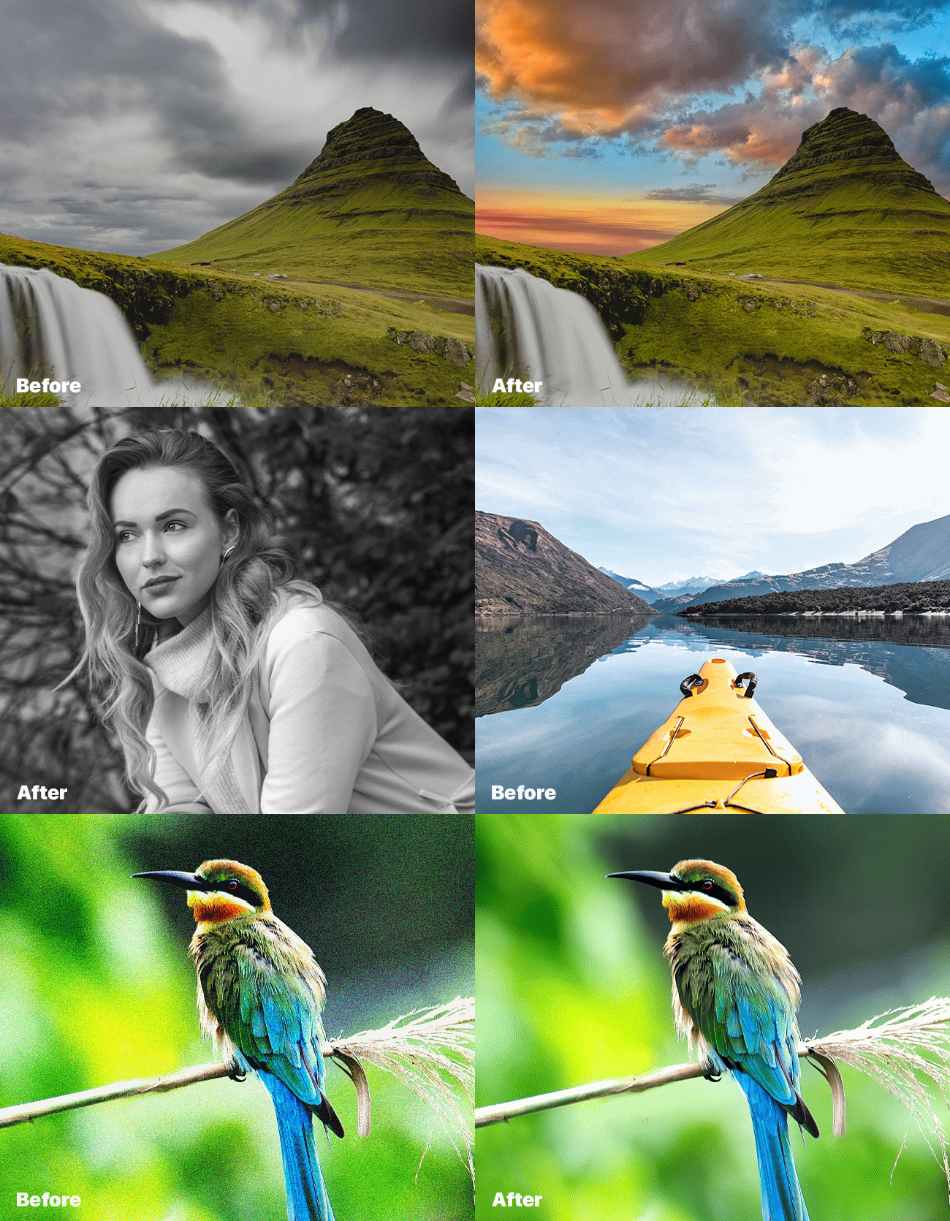
Get photo editing software for Mac and Windows from ON1. Our software offers everything photographers need to organize, edit, and share photos. Download our editing software for photographers at ON1.
ON1 is a leading provider of photo editing software for photographers. With a focus on ease of use and powerful AI-powered features, ON1 provides a complete photo editing solution for hobbyists, professionals, and everyone in between. The most popular ON1 application, ON1 Photo RAW, is the ultimate all-in-one photo editing application and raw photo editor. It’s like combining the best from Lightroom and Photoshop into a single application for photographers. This professional-grade AI-powered photo editor is a robust organizer, raw processor, layered editor, and photo effects app. Top it off with mobile and cloud integration, and photographers have a complete desktop and mobile workflow.
With the most incredible new AI-based technologies and features in years, ON1 offers photographers unique new approaches to how they edit, save time editing, and still achieve superior quality in their editing results.
No Risk, No Questions Asked

We care about your satisfaction. If you're unhappy with your software purchase within 30 days, we'll gladly refund you. For pre-orders, the refund period starts 30 days after the product's release.
For ON1 Everything subscriptions, you can receive a full refund if you cancel within 14 days of your order. After that, the payment is non-refundable, and your service will continue until the end of the term.
At ON1, we want you to have the best possible experience. If you're facing any issues with our photo editing software and have been in touch with our support team, we're here to help. Even if you're outside the 30 days, we can extend the money-back guarantee in these cases. Our dedicated team will work with you to resolve any problems quickly, so you can get back to photographing then editing your photos with ease.
PO Box 7626, 97303, Salem, United States
4.1
3K reviews
Asks customers to review
This company invites their customers to review, whether positive or negative
Replied to 90% of negative reviews
Typically replies within 2 weeks
How this company uses Trustpilot
See how their reviews and ratings are sourced, scored, and moderated.

I bought this update specifically and only for the AI restore feature and it has been a great disappointment. Unlike Chat GPT AI photo restoration, which uses the contours of my images, your program appears to find a “near match” from a database of thousands of images, making my relatives look like strangers with different eyes and mouths than they really had. I would like a refund. I don’t use the feature anymore after trying it on numerous photos.

Reply from ON1

Easy in the end but the notice that it is expired came after the fact and did not have a “1 click to renew” option
Reply from ON1
Updated from Raw 2026 to get the Restore AI and it's disappointing. I tried the Restore AI before buying but the watermarks were on 100% of the page.
Restoring an old photo distorts all humans faces so they are unrecognizeable.
Also still have to use Photoshop to fine tune sharpness and colors.
Wouldn't buy again.
Reply from ON1
The restoration feature is sensational on landscapes and old photos, but the face restoration is not up to scratch and I did not even recognise myself.
Reply from ON1

I upgraded for AI Restore but this produced disappointing result. I got much better quality images from the free version of Gemini.
The results were not as advertised and I’m sorry I can not recommend this upgrade.
Reply from ON1
ON1 is doing a great job with their software. It is very impressive and being updated all the time. The company is easy to deal with.
Reply from ON1
the new AI features and old photo restore saved me hours straight away, worth the money just for this one function
Reply from ON1
I needed customer service after first install and they were great. I am having troubles sharing back and forth with Lightroom Classic. I use “edit in” command in LR to send to ON1 (MAX) and can use Restore AI to repair old images. When I save, I don’t know where it goes. I couldn’t reach customer service again so asked Kelby One members for help. I haven’t tried their suggestions yet but I hope they work.
Reply from ON1
It more then I thought possible/ great job well done
Reply from ON1
Great price for the new features in the upgrade. It’s a very powerful tool that allows me to do 99% of my workflow without moving between other apps.
Reply from ON1
The site is easy to navigate and use, purchase and download.
Reply from ON1
Presets and tools are only working on specific types of photos that also are big. Useless for many photos or pictures, especially web ones. For instance, if you use their "Super select" or mask tool on a single background color picture of 1000px, it just selects all. Impossible to only pick the local background. Amazingly annoying for an app that claims to make it all easy.
When seeking help from their website, AI bot unhelpful.
I guess their success comes mostly from marketing.
Reply from ON1
Great product, I cancelled my adobe CC. I already had an older version of the on 1 with the plug in, but this time I just bought it as a stand alone product.
Reply from ON1
It's annoying that I had to rejoin the "Plus" program to simply run a lesson on infrared processing. And the lesson was a waste of time. Clearly, the presenter has not spent much time processing IR. The absolute worse ON1 Photo Raw lesson I've ever watched. Basically, all he did was swap/invert colors and tell me what he liked. Horrible....;
Reply from ON1
I upgraded to a different computer and 2026. I hate it. I cannot figure out how to move my extras from the old computer to the new and the new version is
way too AI dependent . I would like to see a simplified version that just does basic editing. Right now, I'm thinking this new version sucks.
Reply from ON1
Although I neglected to check if my current OS would run this version ( it doesn’t) The folks at On 1 refunded my payment without hesitation. When I inquired if On1 3025 were available for purchase, they informed me that it was not but in any case, would not run on my current OS. This is what all customer support should aspire to.
Reply from ON1
This latest release of ON 1 Raw 2026.4 is a big bait and switch. There are many, many places that states there have been several changes to 2026.4 On 1 Photo Raw and one of the changes listed is Restore AI. This is a lure to get you to load it up, (it took me 35 minutes for the AI features to load) then it comes up with an upgrade screen for $49.95. I have used ON 1 even before it was ON 1, about 36 years. Well, it is time for me to be using something different. Maybe I can find a company that will not be deceitful in their advertisements.
Reply from ON1
Best replacement to lightroom without a subscription
Reply from ON1
Anyone can write a Trustpilot review. People who write reviews have ownership to edit or delete them at any time, and they’ll be displayed as long as an account is active.
We use dedicated people and clever technology to safeguard our platform. Find out how we combat fake reviews.
Learn about Trustpilot’s review process.
Here are 8 tips for writing great reviews.
Verification can help ensure real people are writing the reviews you read on Trustpilot.
Offering incentives for reviews or asking for them selectively can bias the TrustScore, which goes against our guidelines.